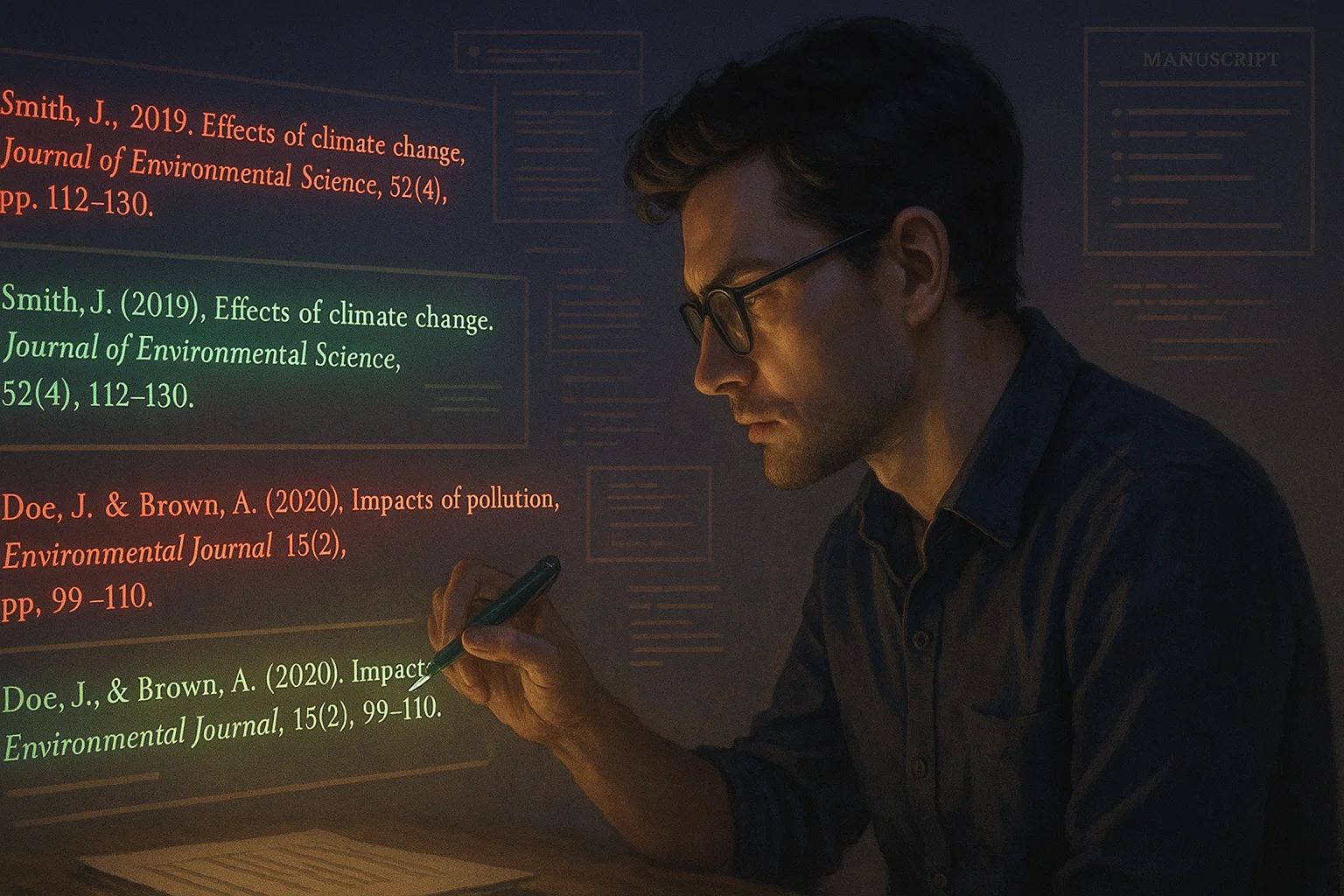
Reference formatting errors are one of the most common—and most frustrating—reasons journals return manuscripts before peer review. Even strong papers with solid data and clear arguments can be delayed or rejected simply because references don’t match the journal reference style. For many researchers, citation formatting feels tedious, confusing, and time-consuming. This guide explains why your references don’t match the journal reference style, the most common mistakes researchers make, and how to fix reference issues quickly and accurately before submission.
Why Reference Formatting Matters More Than You Think
Journals care about reference accuracy because it affects:
- Scholarly credibility
- Reader trust
- Citation traceability
- Indexing and metadata accuracy
- Editorial efficiency
To editors, inconsistent references signal:
- Carelessness
- Poor attention to detail
- Weak compliance with submission guidelines
Correct references don’t improve your science—but incorrect ones can block it from being published.
Most Common Reasons References Don’t Match Journal Style
Let’s break down the real causes.
1. You’re Using the Wrong Citation Style
Many researchers assume:
They’re not.
Journals may require:
- APA (6th vs 7th edition)
- Harvard (journal-specific variants)
- Vancouver
- AMA
- Chicago (Notes vs Author–Date)
- IEEE
- Custom in-house styles
Even small differences (italics, punctuation, capitalization) matter.
2. You Didn’t Read the Journal’s Author Guidelines Carefully
Most journals publish very specific reference instructions, including:
- Citation order
- Use of DOIs
- URL formatting
- Capitalization rules
- Use of “et al.”
- Abbreviated journal names
- Page range formatting
Many researchers skim these—or ignore them entirely.
3. Your Reference Manager Is Set to the Wrong Output Style
Tools like Zotero and Mendeley only work if the correct style is selected.
Common mistakes:
- Using “APA” instead of “APA 7th (Journal Name)”
- Forgetting to switch styles before submission
- Assuming “Harvard” is universal
Journal-specific styles often differ from generic ones.
4. Your Reference Metadata Is Incomplete or Incorrect
Even the best reference manager can’t fix bad metadata.
Common metadata issues:
- Missing authors
- Incorrect publication year
- Wrong journal title
- Missing issue numbers
- Broken DOIs
- Capitalization errors in titles
Garbage in → garbage out.
5. You Manually Edited References Earlier
Manual edits break reference manager links.
This causes:
- Style conflicts
- Broken updates
- Inconsistent formatting
- Errors during re-formatting
Once you manually edit references, automation becomes unreliable.
6. You Mixed Multiple Sources and Styles
This often happens when:
- Copy-pasting references from Google Scholar
- Combining references from PDFs
- Importing citations from different tools
- Collaborating with co-authors using different managers
The result: Frankenstein references.
7. You Changed Journals Late in the Process
A very common scenario:
- Paper rejected
- You submit to a new journal
- New journal uses a different style
If references aren’t re-formatted properly, editors notice immediately.
How to Fix Reference Style Issues Quickly (Step-by-Step)
Now the good part.
Step 1: Identify the Exact Reference Style Required
Do not guess.
Check:
- Journal “Instructions for Authors”
- Submission checklist
- Recent published articles in the same journal
Look for:
- Style name
- Edition
- Journal-specific variants
Step 2: Clean Your Reference Metadata First
Before formatting, fix the source data.
Check each reference for:
- Author names (order + spelling)
- Year
- Journal title
- Volume & issue
- Page numbers
- DOI or URL
Tools like ResearchPal’s Reference Generator can fetch clean metadata using:
- DOI
- PubMed ID
- arXiv ID
- Paper title
This step prevents 80% of formatting issues.
Step 3: Use a Reference Manager Correctly
Recommended workflow:
- Import clean references
- Select the exact journal style
- Refresh citations
- Generate reference list automatically
Avoid manual formatting until the very end.
Step 4: Use Journal-Specific Citation Styles (Not Generic Ones)
Many journals provide:
- CSL files (Citation Style Language)
- Downloadable reference styles
If available:
- Import the journal-specific style into your manager
- Apply it before submission
This ensures near-perfect formatting.
Step 5: Check DOIs and URLs Carefully
Many journals now require:
- DOIs for all eligible references
- “https://doi.org/” format
- No “Retrieved from” text
- Active links
Use DOI resolvers to confirm accuracy.
Step 6: Scan for Common Formatting Red Flags
Before submission, quickly scan for:
- Inconsistent capitalization
- Missing italics
- Incorrect punctuation
- Broken hyperlinks
- Inconsistent “et al.” usage
- Mixed abbreviation styles
A 5-minute scan can save weeks of delay.
Step 7: Do a Final Journal Comparison Check
Compare your references against:
- A recently published article
- The journal’s reference examples
Match:
- Spacing
- Punctuation
- Order
- Typography
Editors notice inconsistencies immediately.
Examples of Common Reference Errors (and Fixes)
Error 1: Missing DOI
❌
Smith, J. (2020). AI in education. Journal of Learning, 12(3), 45–60.
✅
Smith, J. (2020). AI in education. Journal of Learning, 12(3), 45–60. https://doi.org/10.xxxx
Error 2: Wrong Capitalization (APA 7)
❌
Artificial Intelligence In Education
✅
Artificial intelligence in education
Error 3: Incorrect Journal Abbreviation
❌
Journal of Educational Psychology
✅
J. Educ. Psychol. (if required by journal)
Error 4: Mixed Styles
❌
APA-style in-text citations with Harvard-style references
✅
One consistent style across the entire manuscript
How ResearchPal Helps Fix Reference Issues Fast
ResearchPal is designed to eliminate reference chaos:
✔ Reference Generator
Fetches accurate metadata using DOI, title, arXiv, or PubMed ID.
✔ Reference Manager
Centralized, editable, and consistent references.
✔ AI-Powered Writing Tools
Detects missing fields and formatting issues.
✔ Literature Review Integration
Automatically saves references from searched papers.
✔ Writing Editor
Keeps citations synchronized with references.
✔ Multi-Style Support
Easily switch between citation styles when changing journals.
This saves hours—sometimes days—during submission.
Related Reading
From the Web
- Elsevier — Reference Style Guide
https://www.elsevier.com/connect/reference-formatting - APA — Reference Formatting Guidelines
https://apastyle.apa.org/style-grammar-guidelines/paper-format/reference-list
Final Thoughts
If your references don’t match the journal style, it’s rarely because you’re careless—it’s because citation rules are complex, inconsistent, and constantly changing. By cleaning metadata, using the correct journal-specific style, and relying on reliable reference tools, you can fix reference issues quickly and avoid unnecessary editorial delays. Mastering why your references don’t match the journal reference style—and how to fix them—puts you one step closer to successful publication.

